Digital Products
11 Best Lead Magnet Templates & Platforms to Skyrocket Your List in 2026

Building an email list is non-negotiable for sustainable business growth, but the biggest roadblock is often creating a lead magnet valuable enough to earn a subscriber's trust. The process of ideating, writing, and designing an attractive freebie can stall progress for weeks, leaving your audience-building efforts on hold. The solution is leveraging high-quality lead magnet templates. They provide the essential strategic framework and professional design, letting you focus solely on tailoring the core content to your specific audience. This guide eliminates the hours of searching by curating the 11 best platforms for every need and budget.
This resource is designed to be your definitive shortcut. We'll explore everything from fully "done-for-you" private label rights (PLR) resources you can deploy in minutes to flexible design templates you can customize from scratch. The ultimate goal of any lead magnet is to effectively gather contact information and contribute to robust strategies for building an email list. Each option below includes screenshots, direct links, and practical insights to help you choose the right platform and deploy a high-converting asset quickly. Forget the content creation bottleneck; let's find the perfect template to build your list faster.
1. Entrepedia
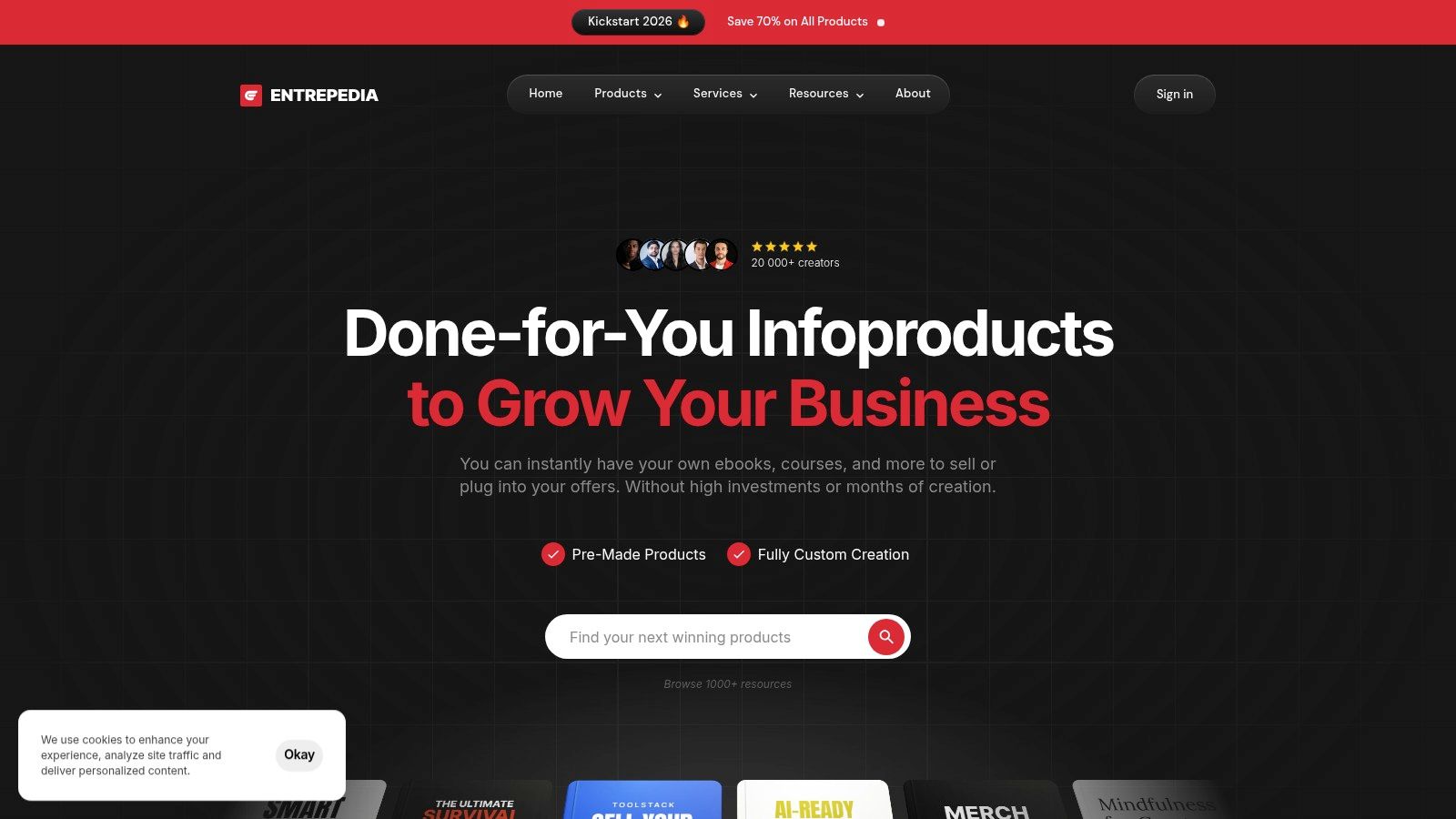
Entrepedia serves as a massive content engine for entrepreneurs who need high-quality lead magnets without the immense time investment of creating them from scratch. It’s a Private Label Rights (PLR) platform, meaning you can download, rebrand, and even resell its vast library of digital products as your own. This makes it an ideal source for anyone needing powerful lead magnet templates immediately.
The platform's key differentiator is its "Lead Magnet Master Library," a curated collection of over 1,000 brandable assets. This includes everything from comprehensive ebooks and checklists to full email courses and toolkits, with new content added weekly. Unlike typical template sites, Entrepedia provides editable source files (like DOCX), giving you complete control to customize the content to match your brand voice and visual identity.
Key Features & Ideal Use Case
Feature | Best For |
|---|---|
Private Label Rights (PLR) | Rebranding content and reselling it under your own name. |
Editable Source Files | Deep customization of text, design, and branding. |
Weekly Content Updates | Maintaining a fresh and relevant content marketing pipeline. |
Themed Toolstacks | Building cohesive marketing funnels around a specific topic quickly. |
Pro Tip: To get the most out of Entrepedia’s PLR content, always rewrite the introduction and conclusion. Also, add your own unique case studies or personal examples to make the lead magnet uniquely yours and avoid duplicate content issues.
Access: https://www.entrepedia.co/
Pricing: Options include individual product purchases or a subscription to the Master Library for ongoing access.
Pros: Dramatically reduces content creation time; commercial rights included for rebranding and reselling.
Cons: The sheer volume can be overwhelming; customization is essential to differentiate your brand.
2. Canva
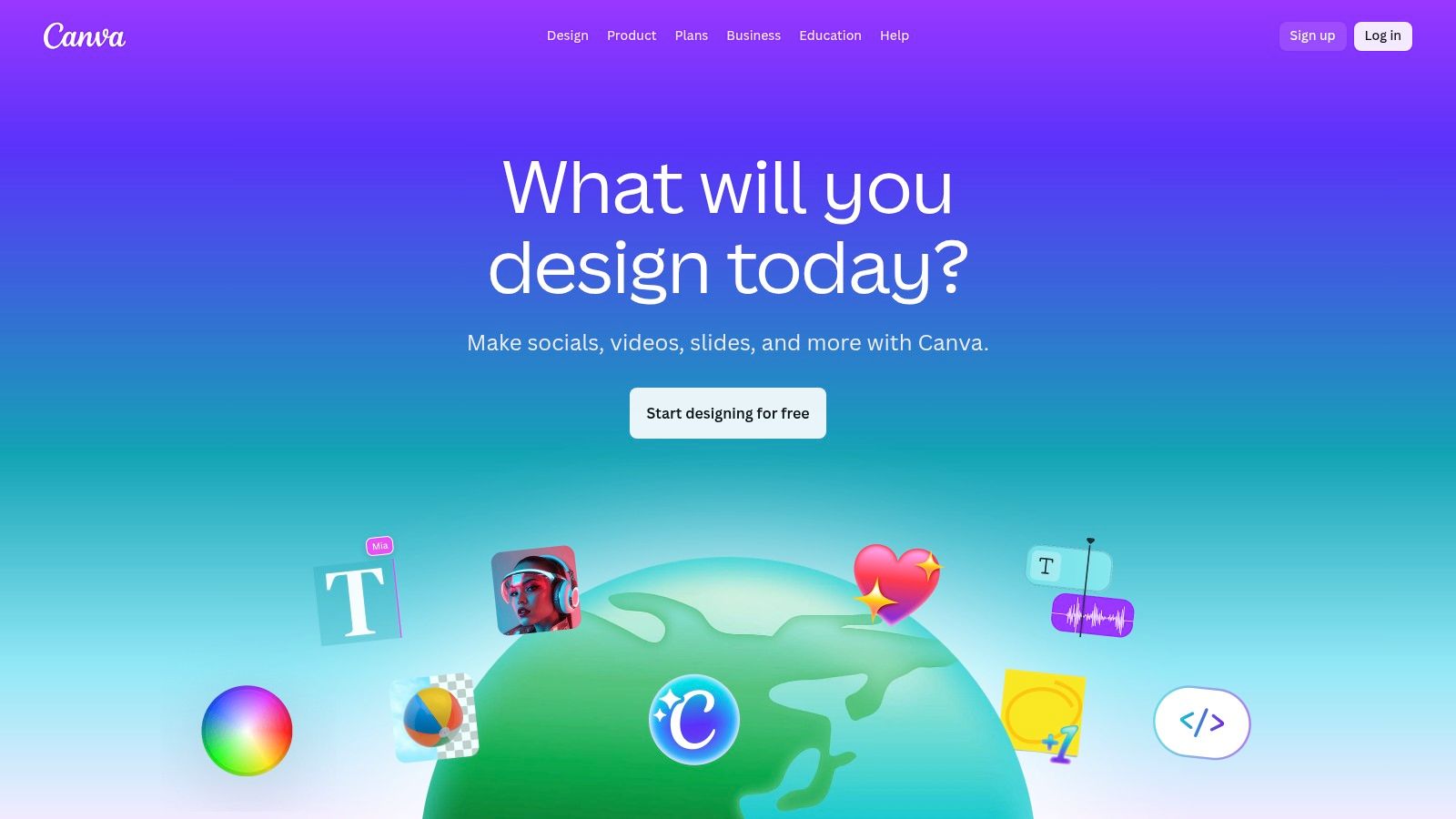
Canva is a powerhouse for entrepreneurs and marketers who need to create visually stunning lead magnets without any graphic design experience. It's a browser-based design suite that excels at producing professional-looking PDFs, ebooks, and worksheets quickly. Its strength lies in making high-quality design accessible to everyone through an intuitive drag-and-drop interface.
The platform's massive library of lead magnet templates is its main draw. You can find everything from multi-page ebook layouts to simple one-page checklists. The ability to set up a "Brand Kit" with your logos, fonts, and color palette allows you to apply your brand identity to any template with just a few clicks, ensuring consistency across all your marketing materials. This makes it an indispensable tool for producing polished opt-ins fast.
Key Features & Ideal Use Case
Feature | Best For |
|---|---|
Vast Template Library | Quickly finding a professional design for any type of PDF lead magnet. |
Drag-and-Drop Editor | Non-designers who need to create beautiful assets without a steep learning curve. |
Brand Kit Support | Maintaining brand consistency across multiple lead magnets and marketing assets. |
Built-in Stock Assets | Adding high-quality photos, icons, and graphics directly within the editor. |
Pro Tip: Use Canva's "Styles" feature to instantly apply your brand's color palette and font pairing to an entire document. This can save you hours of manual formatting when customizing a multi-page ebook or workbook template. To learn more about creating effective opt-ins, you can get a full overview of lead magnets explained on entrepedia.co.
Access: https://www.canva.com/
Pricing: A robust free plan is available. Canva Pro offers premium assets and features like the Brand Kit.
Pros: Very fast to produce polished lead magnets with no design software; widely used and easy to hand off to team members.
Cons: Some premium assets require a paid plan; teams pricing has changed in recent years, so review plans before upgrading.
3. Creative Market
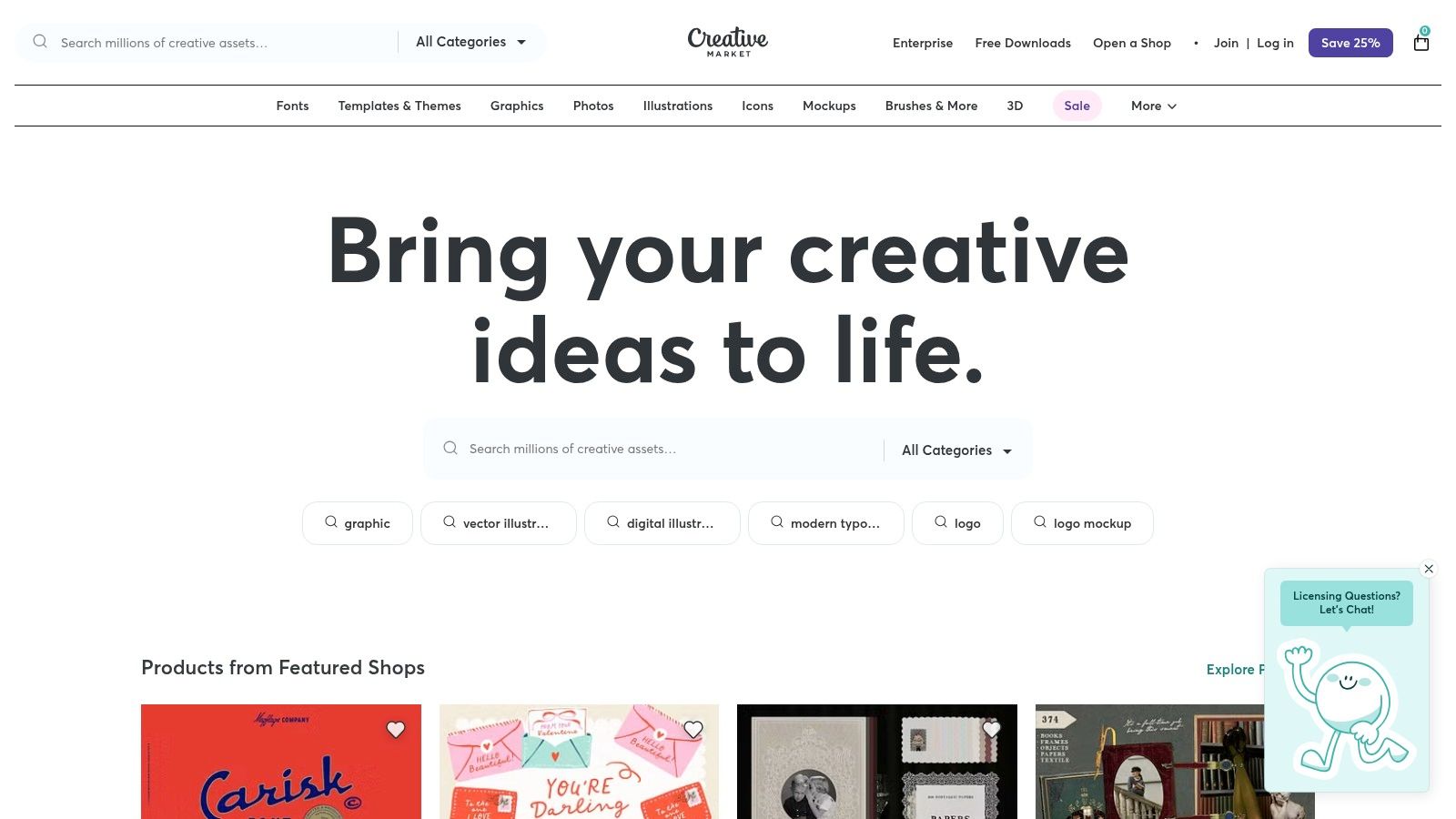
Creative Market is a global marketplace where independent creators sell digital design assets, making it a goldmine for professionally designed lead magnet templates. Unlike subscription services, it operates on a single-purchase model, allowing you to buy individual template packs and use them forever. This is ideal for entrepreneurs who need a high-end, polished design for their ebooks, workbooks, or checklists without committing to an ongoing fee.
The platform's strength lies in its vast selection and the quality of its designers. You can find templates created specifically for Canva, Adobe InDesign, Photoshop, and Illustrator, giving you flexibility in how you edit. Many creators bundle entire lead magnet suites together, including a workbook, checklist, and social media promotional graphics, ensuring brand consistency across your marketing funnel.
Key Features & Ideal Use Case
Feature | Best For |
|---|---|
Large Marketplace Selection | Finding a unique design that perfectly matches your brand aesthetic. |
Single-Purchase Licenses | Business owners who prefer to own assets outright without subscriptions. |
Multi-Format Downloads | Users who need templates compatible with specific software like Canva or InDesign. |
Niche-Focused Packs | Coaches, consultants, and course creators in specific industries (e.g., wellness, business). |
Pro Tip: Always check the seller’s reviews, the file types included, and license terms before purchasing. Many sellers offer exceptional support, so don't hesitate to message them with questions about customization or compatibility.
Access: https://creativemarket.com/
Pricing: Varies by product; templates are purchased individually.
Pros: Access to professional, designer-made layouts; files are yours to keep with no recurring fees for individual purchases.
Cons: Quality can vary by seller, requiring careful review; you only get design files, not built-in delivery tools.
4. Envato Elements
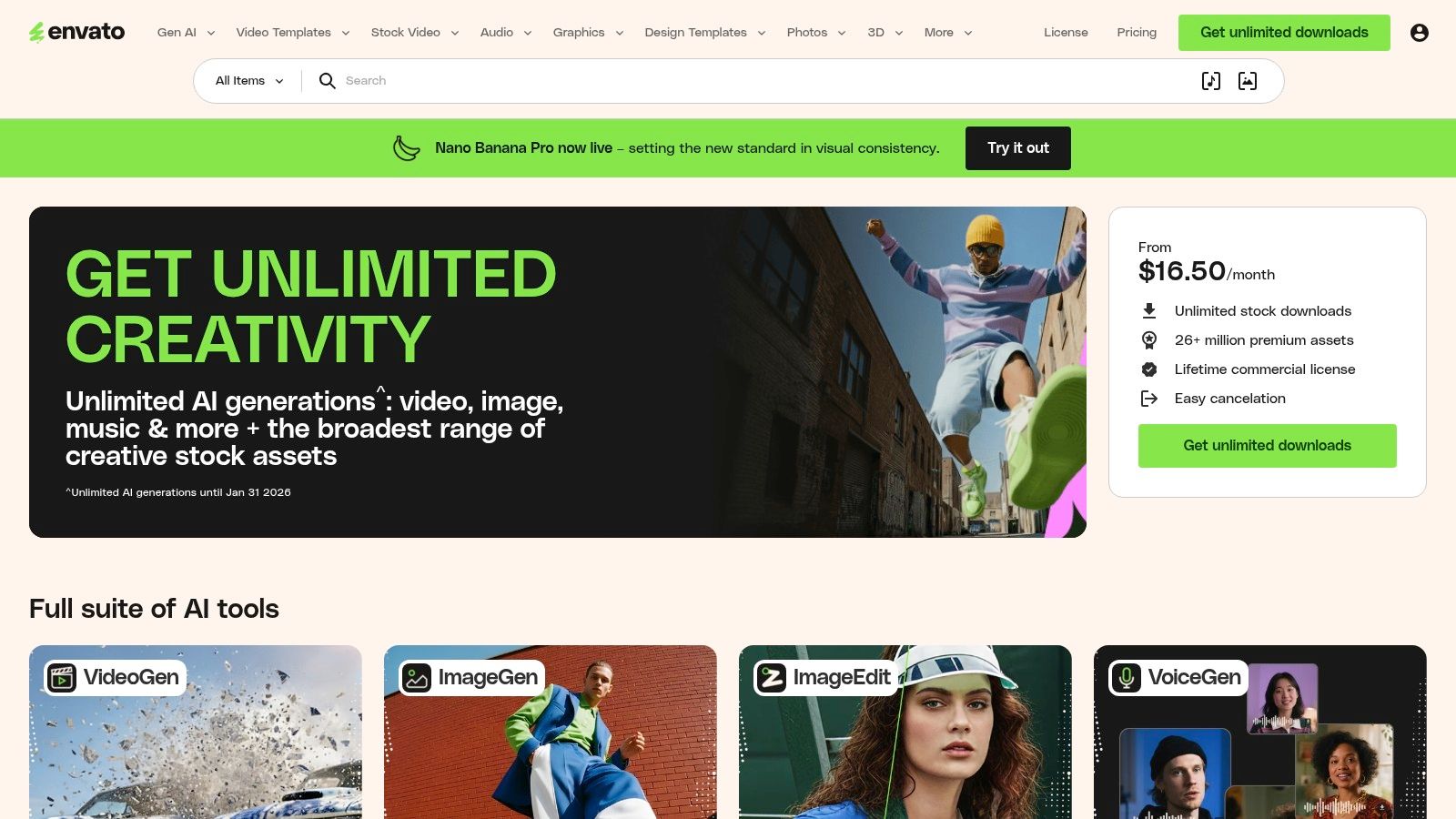
Envato Elements is a powerhouse subscription library for creators who need a high volume of professional assets. Instead of purchasing individual items, a single subscription grants unlimited downloads from a massive catalog of graphic templates, stock photos, fonts, and, most importantly, thousands of high-quality lead magnet templates. This makes it an incredibly cost-effective solution for agencies, freelancers, and businesses who constantly test and deploy new marketing materials across different projects or client accounts.
The platform's strength lies in its sheer variety and professional quality. You can find beautifully designed templates for ebooks, workbooks, checklists, and guides in multiple formats like InDesign (INDD), Illustrator (AI), and even Microsoft Word (DOCX). This allows for deep customization, provided you have the right software. The assets are created by a global community of designers, ensuring you can always find a style that perfectly matches your brand's aesthetic.
Key Features & Ideal Use Case
Feature | Best For |
|---|---|
Unlimited-Download Subscription | Agencies and creators needing a high volume of diverse assets. |
Thousands of Diverse Formats | Deep design customization using professional software like InDesign. |
Niche-Specific Template Packs | Quickly finding cohesive sets of documents for a specific industry. |
Consistent Professional Quality | Maintaining a high-end, polished brand image across all lead magnets. |
Pro Tip: Use Envato's robust filtering system to narrow down templates by file type (e.g., DOCX) if you don't have design software. Once you find a template you love, remember that boosting its perceived value with unique insights and branding is key to making it convert.
Access: https://elements.envato.com/
Pricing: A monthly or annual subscription model for unlimited downloads.
Pros: Extremely cost-effective for high-volume users; huge variety of professional styles and formats.
Cons: Many files require specific software (Adobe Creative Suite) to edit effectively; you must maintain your subscription for new downloads.
5. Etsy
Etsy has emerged as an unexpected but powerful marketplace for high-quality, professionally designed lead magnet templates. It’s a treasure trove of independent creators selling instant-download assets, often built in Canva for easy editing. This makes it a perfect choice for entrepreneurs and small businesses seeking visually appealing templates for specific niches without the high cost of custom design work.
The platform’s key differentiator is the sheer variety and specificity of its offerings. You can find everything from elegant workbook and e-book templates to hyper-specific checklists for industries like real estate, coaching, or wellness. Because these are sold by individual designers, the aesthetics are often more unique and on-trend than what you might find on larger, more corporate template sites. Most sellers provide templates that are editable with a free Canva account, ensuring accessibility for all users.
Key Features & Ideal Use Case
Feature | Best For |
|---|---|
Massive Creator Marketplace | Finding unique, niche-specific designs that stand out. |
Instant Digital Downloads | Getting your hands on a template immediately after purchase. |
Canva-Editable Files | Users who want an easy, drag-and-drop editing experience. |
Affordable One-Off Pricing | Testing different lead magnet styles without a subscription. |
Pro Tip: Always check the seller’s reviews and, most importantly, the licensing terms for each template you purchase. Some may have restrictions on commercial use, so confirming you have the right to use it as a lead magnet for your business is a crucial step.
Access: https://www.etsy.com/
Pricing: One-time purchases, with prices varying by seller but often very affordable.
Pros: Huge variety tailored to specific niches; most items are editable in free Canva; very low-cost options.
Cons: Quality and licensing terms vary significantly between sellers; minimal platform-level support.
6. Design Bundles
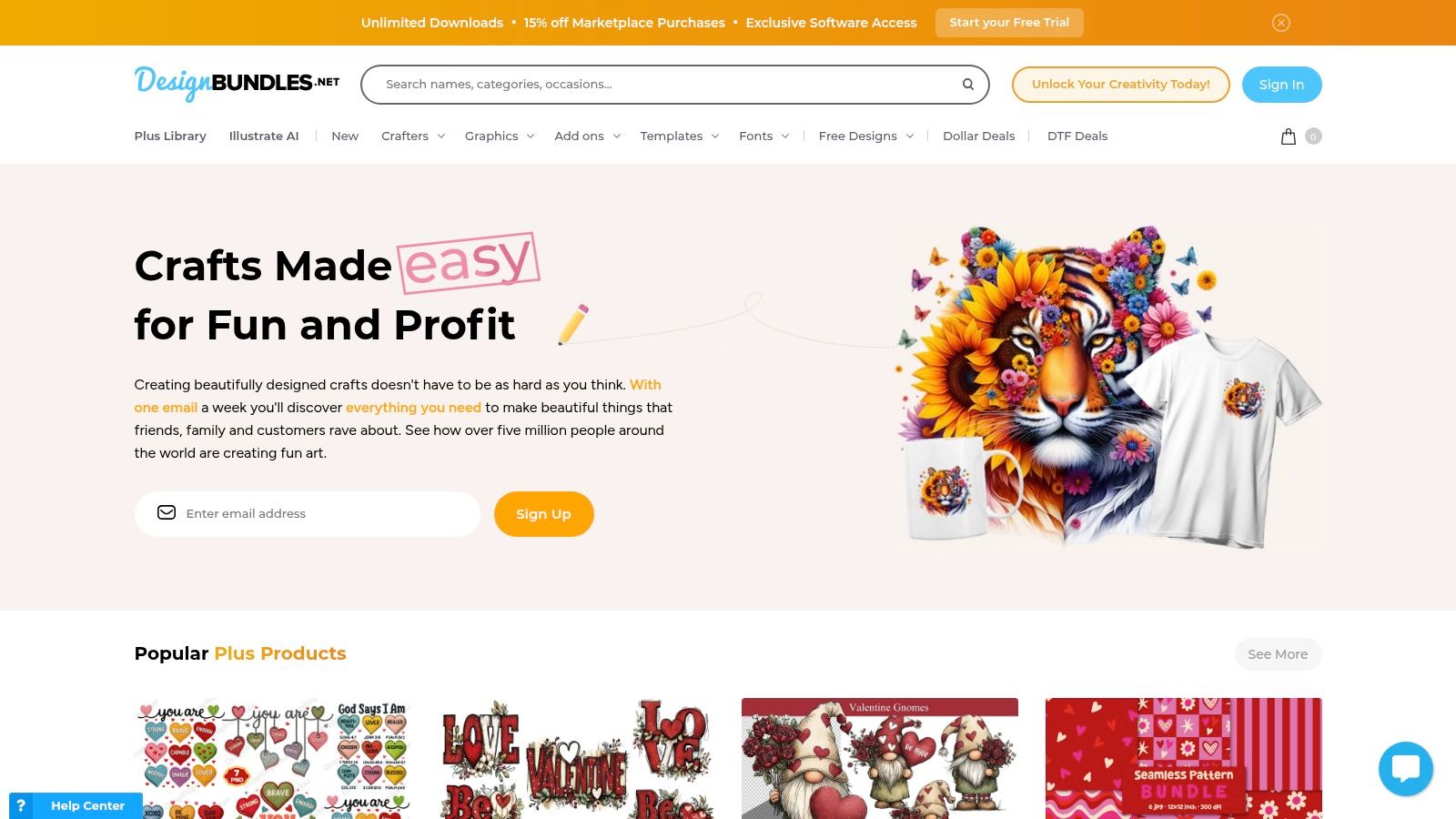
Design Bundles is a creative marketplace where independent designers sell a massive variety of digital assets, including a rich selection of lead magnet templates. It’s an ideal choice for entrepreneurs and marketers who prefer to buy templates on a per-project basis rather than committing to a subscription. The platform’s strength lies in its transparency and variety, offering everything from sleek workbooks to vibrant checklist designs.
What sets Design Bundles apart is the detailed information provided on each product page. Sellers clearly list file formats (Canva, Adobe), page counts, dimensions (A4/US Letter), and often include what specific pages are part of the template, such as covers, tables of contents, and call-to-action pages. This level of detail removes guesswork, ensuring you know exactly what you’re purchasing upfront.
Key Features & Ideal Use Case
Feature | Best For |
|---|---|
Vast Marketplace Selection | Finding unique, niche-specific designs from various creators. |
Detailed Product Specs | Buyers who want to confirm file types, page counts, and sizes before purchase. |
Single-Purchase Model | Acquiring specific lead magnet templates without a recurring subscription. |
Premium Licensing Options | Understanding usage rights for commercial projects clearly. |
Pro Tip: Use the search filters to narrow down options by file type (e.g., "Canva ebook template") to quickly find compatible assets. Always read recent reviews for a specific template to gauge its quality and ease of use before buying.
Access: https://designbundles.net/
Pricing: Pay-per-template, with prices set by individual creators. Many options are highly affordable.
Pros: Transparent previews and detailed specifications make it easy to pick the right template; budget-friendly single-purchase options.
Cons: Quality varies by creator- check reviews before buying; marketplace provides designs only, no lead capture or delivery tools included.
7. Creative Fabrica
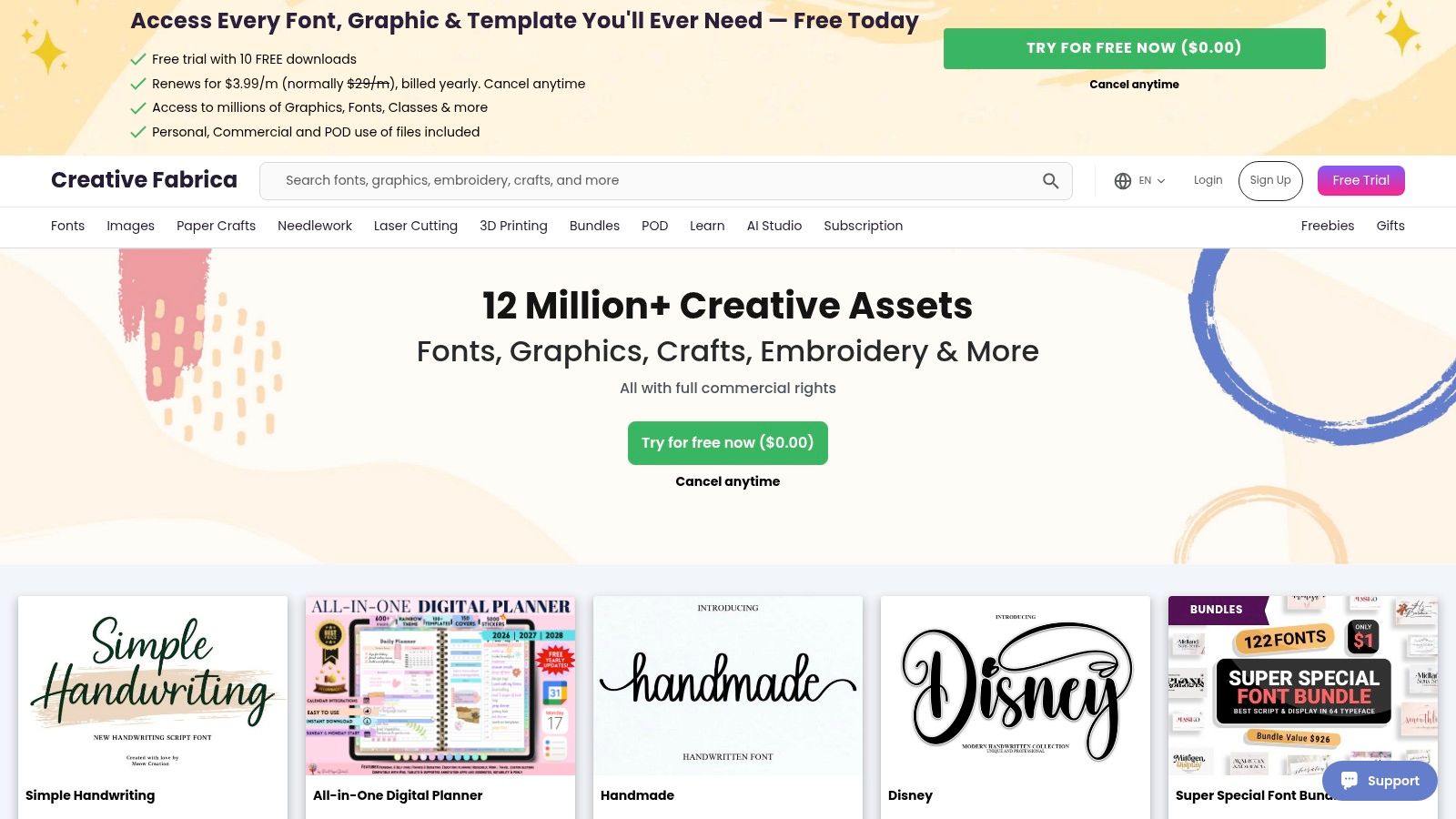
Creative Fabrica is a sprawling digital marketplace beloved by creators for its vast collection of design assets, including a massive library of lead magnet templates. It operates on both a per-item purchase model and an all-access subscription, making it highly flexible for different budgets. The platform is particularly strong for users who live and breathe Canva, as a significant portion of its templates are designed for easy editing within that ecosystem.
This site stands out for its sheer volume and affordability. You can find everything from simple checklists and worksheets to elaborate 200-page ebook and workbook bundles, often at a fraction of the cost of more specialized template shops. This makes it an excellent resource for bargain hunting or for marketers who need a high quantity of diverse lead magnet templates to test different offers.
Key Features & Ideal Use Case
Feature | Best For |
|---|---|
Canva-Ready Templates | Users who prefer Canva's simple drag-and-drop interface for customization. |
All-Access Subscription | Marketers needing a constant supply of diverse templates at a low cost. |
Massive Ebook Bundles | Quickly creating comprehensive, high-value lead magnets or info products. |
Commercial Licenses | Using templates for business purposes without ongoing royalty concerns. |
Pro Tip: Use Creative Fabrica's search filters to narrow down by "Canva" and "Templates" to find lead magnet assets quickly. Always double-check the included license for each specific download, as terms can vary slightly between creators on the marketplace.
Access: https://www.creativefabrica.com/
Pricing: Offers both individual purchases and a monthly/yearly all-access subscription.
Pros: Very affordable with frequent freebies and bundle deals; ideal for Canva users with no need for Adobe software.
Cons: Licensing scope should be checked per item; the interface and currency can vary by region.
8. Beacon
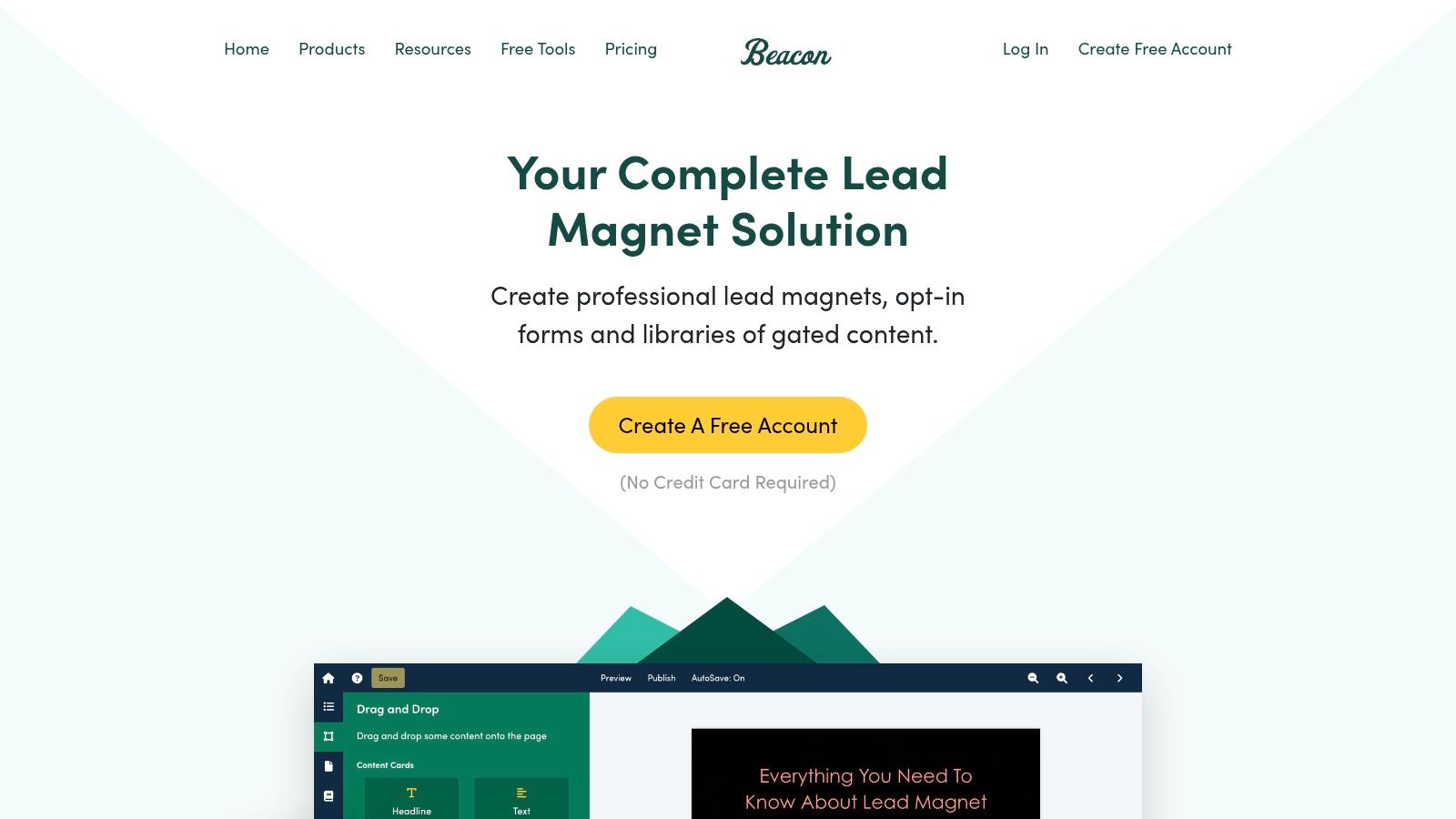
Beacon is a purpose-built software designed specifically for creating, publishing, and delivering lead magnets. It streamlines the entire process from design to lead capture, making it an all-in-one solution for marketers who need to produce high-quality gated content without juggling multiple tools. Its strength lies in its specialized focus on the lead magnet workflow, offering features tailored to this exact purpose.
The platform provides a library of professional lead magnet templates for ebooks, checklists, and resource guides, all customizable through a user-friendly drag-and-drop editor. Beacon stands out by integrating the entire delivery mechanism; it generates lead capture forms and can even host your finished assets in a dedicated resource library, simplifying how you provide value to your audience in exchange for their contact information.
Key Features & Ideal Use Case
Feature | Best For |
|---|---|
Drag-and-Drop Editor | Non-designers creating professional-looking ebooks and checklists. |
Template Converter | Repurposing existing blog posts or documents into lead magnets. |
Built-in Lead Capture | Creating and embedding forms directly linked to your content. |
Resource Library Builder | Hosting multiple lead magnets in one central, brandable hub. |
Pro Tip: Use the Template Converter feature to quickly turn your most popular blog posts into downloadable PDFs. This is one of the fastest ways to create a relevant and valuable lead magnet without writing new content from scratch.
Access: https://beacon.by/
Pricing: Offers a free plan with limited features; paid plans unlock more templates, advanced features, and remove Beacon branding.
Pros: All-in-one system for design, lead capture, and delivery; dedicated tools are optimized for creating lead magnets.
Cons: Template library is smaller than general-purpose design tools; best value is realized when using its full ecosystem.
9. Visme
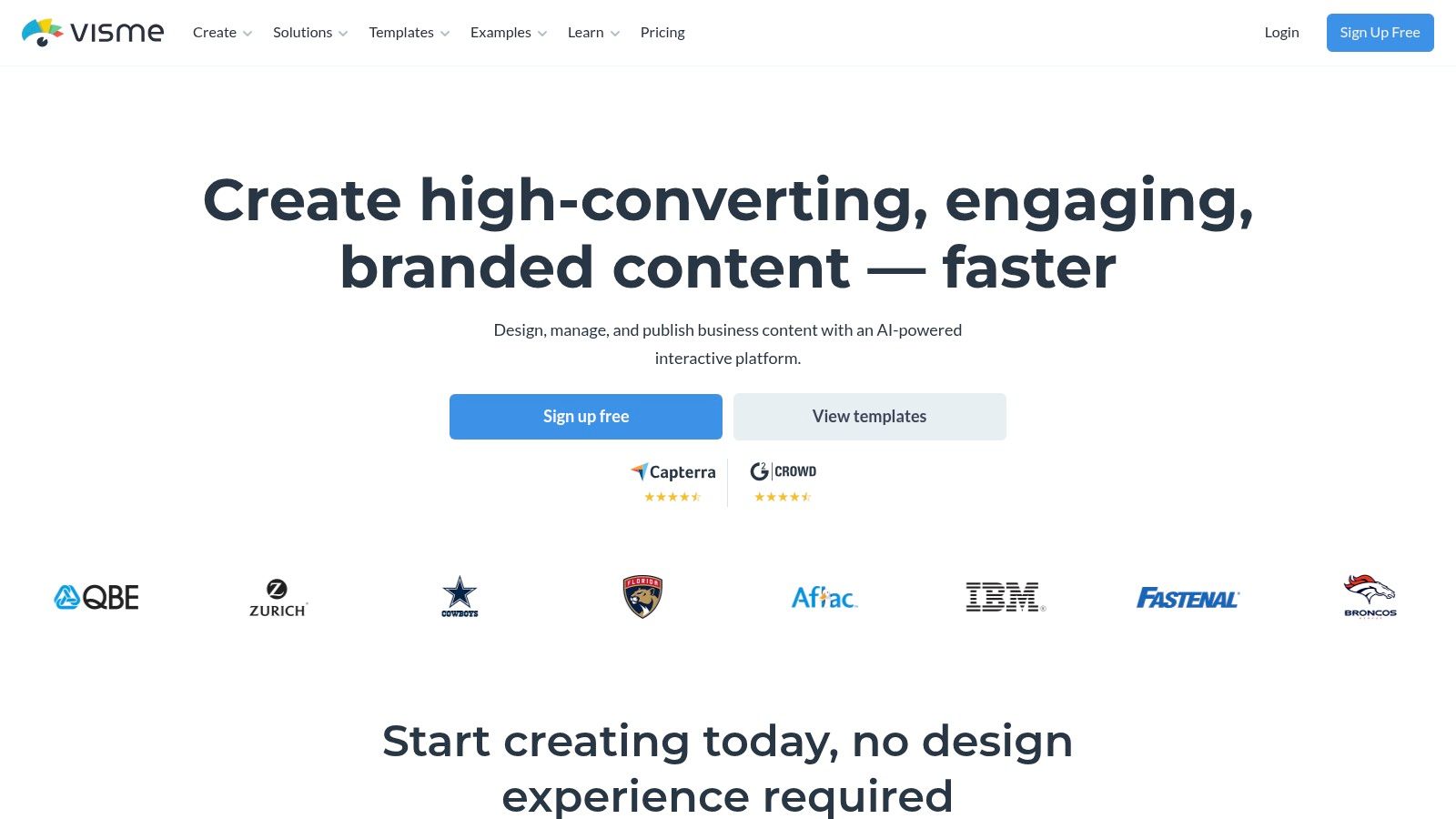
Visme is a versatile, browser-based design platform that goes beyond static PDFs, allowing you to create dynamic and interactive lead magnets. It’s particularly powerful for businesses that want to offer a more engaging user experience directly in the browser, such as through embeddable presentations or documents with a flipbook effect. This makes it an excellent choice for creating premium-looking resources without needing advanced design software.
The platform's key differentiator is its integrated sharing and gating functionality. Instead of just exporting a file, you can publish your lead magnet online directly from Visme and require an email address for access. This simplifies the delivery process and integrates directly with popular marketing automation tools, streamlining your lead capture workflow from creation to conversion.
Key Features & Ideal Use Case
Feature | Best For |
|---|---|
Interactive Features | Creating engaging online experiences like flipbooks or clickable reports. |
Built-in Gating & Analytics | Capturing leads directly from a shared link without a separate landing page. |
Brand Kit & Team Features | Maintaining brand consistency across all marketing collateral created by a team. |
Direct Integrations | Automating lead syncing with tools like HubSpot, ConvertKit, and Mailchimp. |
Pro Tip: Use Visme's analytics to see how users interact with your online lead magnet. Tracking views and engagement duration can provide valuable insights into which pages or sections are most effective, helping you refine your content for better conversions.
Access: https://www.visme.co/
Pricing: A free plan is available with limited features; paid plans unlock premium templates, interactivity, and download options.
Pros: Strong interactive publishing features and sharing controls; good for teams needing consistent brand templates and integrations.
Cons: Some advanced exports and features require paid plans; public pricing and plan details can vary, so confirm current offerings on the site.
10. Venngage
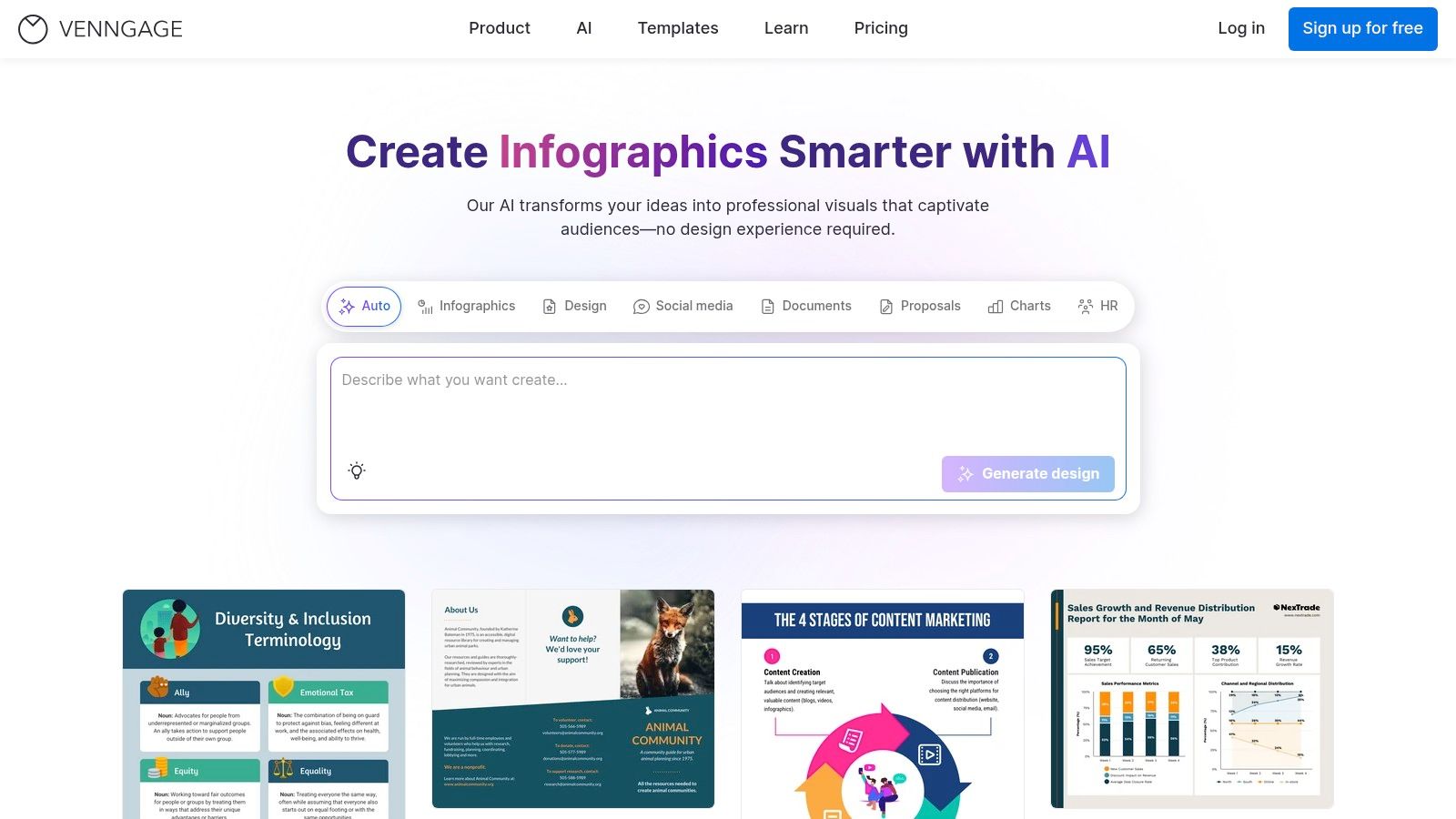
Venngage is a powerful visual communication platform designed to help non-designers create professional graphics. While not exclusively for lead magnets, its vast library of templates for reports, checklists, infographics, and ebooks makes it a go-to resource for crafting visually stunning assets. It bridges the gap between complex design software and basic document editors, allowing users to produce polished marketing materials efficiently.
The platform excels at brand consistency. Its "My Brand Kit" feature automatically applies your logos, colors, and fonts to any template, ensuring every lead magnet you create is perfectly on-brand. This focus on design and user-friendliness makes Venngage ideal for businesses that want to create high-quality, custom-designed lead magnet templates without hiring a graphic designer.
Key Features & Ideal Use Case
Feature | Best For |
|---|---|
10,000+ Professional Templates | Quickly creating checklists, worksheets, reports, and ebooks. |
My Brand Kit | Maintaining brand consistency across all marketing materials. |
Multiple Export Options | Generating high-resolution PDFs and PNGs for easy delivery. |
Team Collaboration | Agencies and marketing teams working on lead magnets together. |
Pro Tip: Use Venngage’s infographic templates to summarize a blog post or complex data into a visually engaging PDF. This type of lead magnet has a high perceived value and is easily shareable, increasing its potential reach.
Access: https://venngage.com/
Pricing: A free plan with limited features is available. Paid plans (Premium, Business) unlock more templates, brand kits, and export options.
Pros: Extremely user-friendly editor; excellent for producing professional, branded visuals without design skills.
Cons: Content must be user-generated; key features like high-res PDF exports and brand kits are on paid plans.
11. PLR.me
PLR.me is a highly specialized Private Label Rights (PLR) marketplace catering almost exclusively to coaches, consultants, and practitioners in the wellness and personal development niches. It provides done-for-you lead magnet templates designed for immediate deployment. These assets are typically short, actionable resources like checklists, worksheets, and mini-guides, making them perfect for quick opt-ins.
The platform's standout feature is its focus on creating cohesive funnel assets. Beyond just a PDF, many lead magnets come with included marketing materials like thumbnails and cover art. For a seamless user journey, you can often purchase related landing page copy and email sequences separately. The content is provided in editable DOCX, Pages, and PDF formats, allowing for straightforward customization to align with your specific brand and coaching methodology. This integrated approach saves significant time for professionals who need to build their lead generation systems fast.

Key Features & Ideal Use Case
Feature | Best For |
|---|---|
Niche-Specific PLR Content | Coaches and wellness practitioners needing relevant opt-ins. |
Editable Formats & Thumbnails | Quick branding and deployment on websites and social media. |
Optional Funnel Assets | Building a complete lead capture system with matching assets. |
Action-Oriented Content | Providing high-value, practical resources that solve a specific problem. |
Pro Tip: Use the educational resources on PLR.me to understand how to effectively deploy their products. As with all PLR, personalize the content by adding your own introduction, conclusion, and a unique call-to-action that directs new subscribers to your core offer.
Access: https://plr.me/
Pricing: Uses a credit-based system and subscription plans; check individual product pages for credit costs.
Pros: Saves massive amounts of time with audience-ready content; products often pair with landing pages and courses for full-funnel builds.
Cons: Content is very niche-specific; requires customization to match a unique brand voice and avoid sounding generic.
Top 11 Lead Magnet Template Resources Comparison
Platform | Core offering | UX & quality | Unique selling points | Best for / Price & licensing |
|---|---|---|---|---|
Entrepedia | 1,000+ PLR products across 15 formats + Custom Book service | World‑class in-house research, writing & design; continually updated; strong social proof (20k+ users, 4.8/5) | Full Private Label Rights, ready-to-rebrand/sell assets, 7‑day custom books, weekly releases | Entrepreneurs, coaches, agencies who need revenue-ready content; plans/bundles & frequent promos (no single public price) |
Canva | Drag‑and‑drop design suite with ebook/workbook templates | Fast, polished outputs; brand kit & stock assets | Extremely fast DIY design and team handoff | Creators & small teams; Free + Pro paid plan for premium assets |
Creative Market | Marketplace of designer-built templates (single purchases) | Professional layouts but quality varies by seller | One-off purchases, multi-format files (Canva, INDD, etc.) | Buyers wanting pro templates without subscription; per-item pricing |
Envato Elements | Unlimited-download subscription of templates & assets | Consistent professional quality across many styles | Cost-effective unlimited downloads for many projects | Agencies/creators needing volume; subscription with commercial license |
Etsy | Marketplace of independent instant-download Canva templates | Very affordable, niche options; quality varies | Huge niche selection, instant delivery | Budget-conscious buyers & niche industries; per-item pricing |
Design Bundles | Marketplace with clear specs for Canva/Adobe templates | Transparent previews and product details | Detailed product pages (page counts, sizes) | Single purchases with clear expectations; per-item pricing |
Creative Fabrica | Marketplace + subscription for Canva-ready templates | Affordable, many bundle deals; Canva-focused | Per-item or all-access subscription, commercial licenses | Canva users and bargain hunters; item or subscription pricing |
Beacon | Lead magnet creation + built-in lead capture & publishing | All-in-one design → capture → deliver workflow | Template Converter, forms, hosting, resource library | Marketers who want hosted gated content; SaaS pricing |
Visme | Design platform with interactive lead magnets & integrations | Interactive publishing (flipbook), integrations with marketing tools | Embeddable/gated interactive lead magnets | Teams needing interactivity & integrations; freemium + paid plans |
Venngage | Visual templates (reports, infographics, ebooks) with brand kits | Large template library, team collaboration features | Brand Kit, team tools, password-protected sharing | Teams & non-designers creating polished visuals; tiered pricing |
PLR.me | Niche PLR lead magnets (coaching/wellness) with editable files | Opt-in-ready short assets with marketing thumbnails | Coaching/wellness-focused PLR + related landing/email assets | Coaches, practitioners wanting quick opt-ins; credit-based or subscription pricing |
From Template to Conversion: Your Next Steps
You now have a comprehensive library of resources, from the all-in-one content powerhouse of Entrepedia to the boundless creative potential of platforms like Canva and Envato Elements. We've explored everything from premium design marketplaces to specialized lead magnet creation tools, providing you with a diverse toolkit to build high-converting assets for your business. The journey through these lead magnet templates has shown that there is a perfect solution for every budget, skill level, and strategic goal.
The key takeaway is that a template is not a destination; it's a launchpad. The most successful lead magnets are not just beautifully designed, but are meticulously tailored to solve a specific, urgent problem for a well-defined audience. Your brand's unique voice, expertise, and personality are what will transform a generic template into an irresistible offer that builds trust and authority.
Implementing Your Chosen Template for Maximum Impact
Choosing the right tool is the first step. Effective implementation is what drives results. Before you deploy your new asset, consider these crucial factors:
Audience Alignment: Does the content directly address a pain point your ideal customer is actively trying to solve? A checklist for a beginner will differ vastly from a technical swipe file for an expert.
Brand Infusion: Go beyond just adding your logo. Customize the colors, fonts, and tone of voice to ensure the lead magnet feels like an authentic extension of your brand experience. This consistency is vital for building recognition and trust.
Strategic Call-to-Action (CTA): What is the very next step you want a new subscriber to take? Your lead magnet should seamlessly guide them toward that action, whether it's booking a consultation, watching a webinar, or exploring a core product offering.
Optimizing for Growth
Once your lead magnet is ready, the next crucial step is optimizing your landing page and delivery process to ensure your efforts translate into real growth. Simply having a great PDF is not enough; you must present it in a way that maximizes opt-ins. For more insights on how to achieve this, explore some actionable conversion rate optimization tips to refine your funnel.
Ultimately, the power of these lead magnet templates lies in their ability to accelerate your list-building efforts. Don't be afraid to test different formats, headlines, and offers to see what resonates most with your audience. Analyze your data, gather feedback, and continuously refine your strategy. By doing so, you will create a powerful, automated asset that consistently attracts qualified leads and fuels the growth of your business.